
Wireless shifting
NXS
NXS shifts your compatible rear derailleur with a wireless handlebar remote. Use BikeNet to set it up and adjust each gear.
See the NXS kit Kit price$169.00 USD
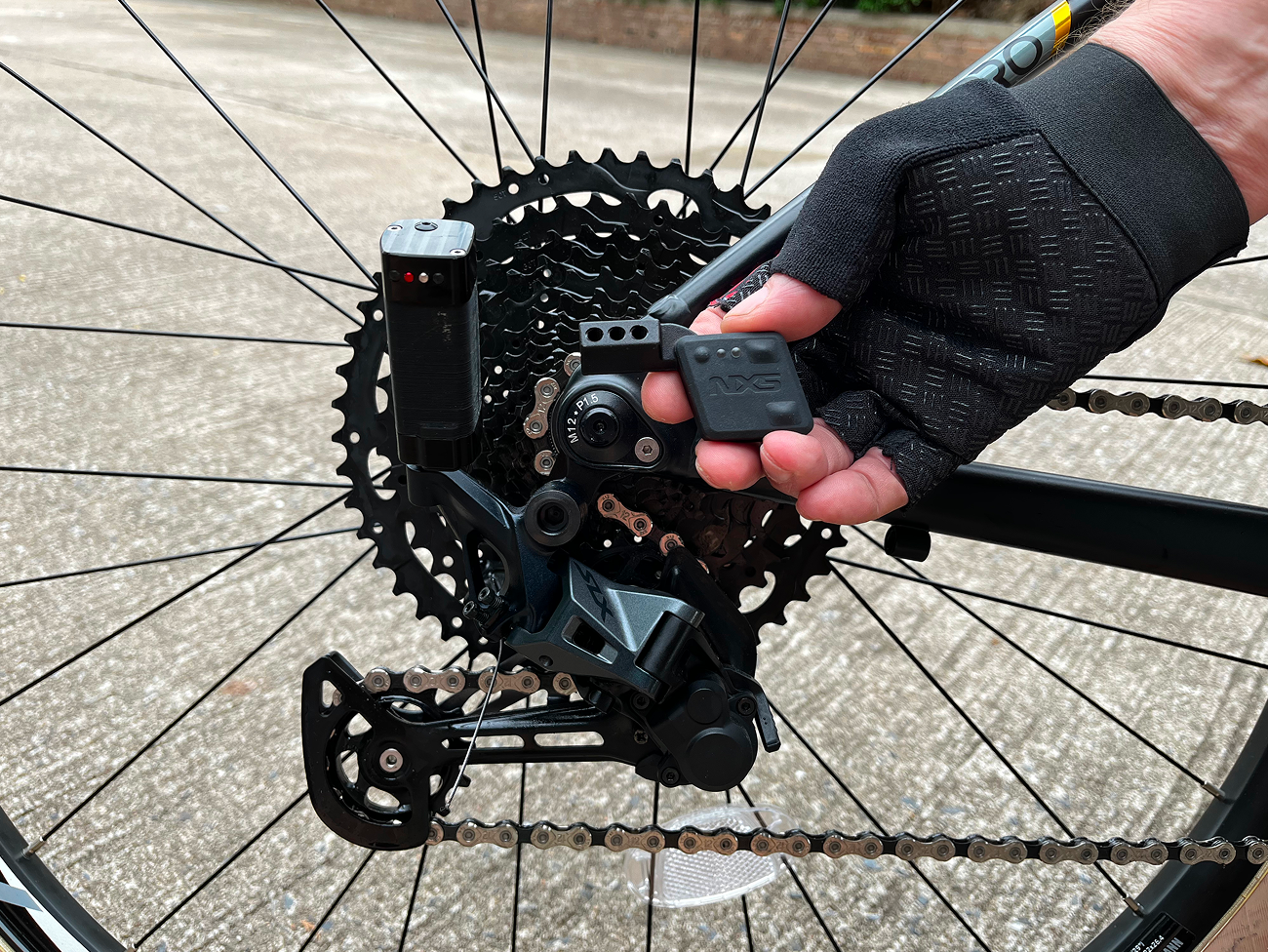
NXS + BikeNet 2.1
Upgrade your bike with NXS, or give BikeNet a try on your next ride. They work together, but you don't need our hardware to use the app.
Wireless shifting
NXS shifts your compatible rear derailleur with a wireless handlebar remote. Use BikeNet to set it up and adjust each gear.
Free cycling app
Record a ride, follow a route, connect your sensors and keep track of your bikes. BikeNet is free on iPhone and Android.

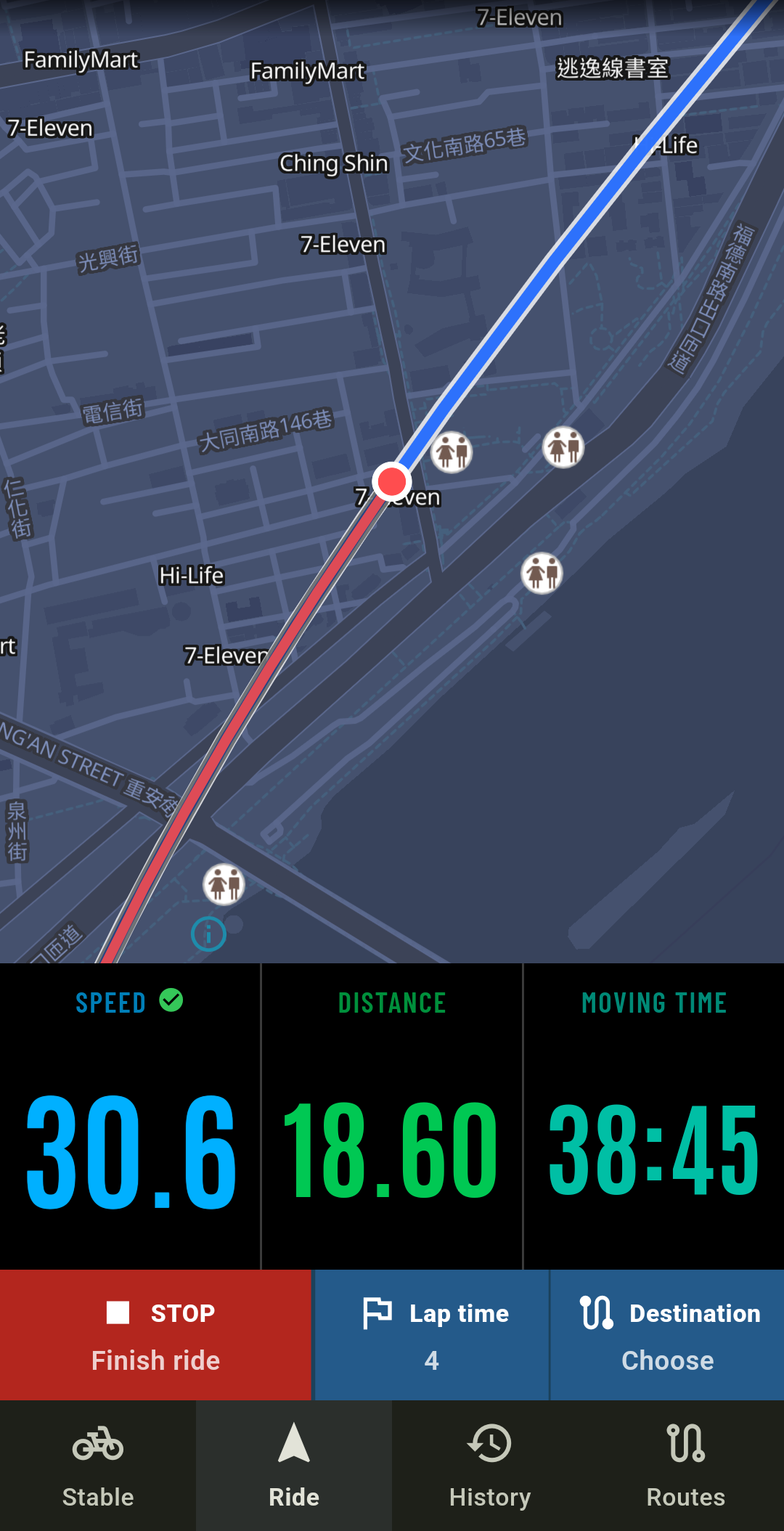


BikeNet 2.1
BikeNet works as a ride computer, but it also keeps track of the bike itself. Save your parts, mileage and service records alongside your rides, whether you use NXS or not.
You don't need NXS for the features below, apart from the ANT+ connections and shifting tools. Sensor readings need compatible sensors.
Ride
Put the numbers you care about on screen and let BikeNet record the ride.
Navigate
Choose where to go, load a route and follow the turns on your phone.
Connect
See speed, cadence, heart rate and power readings during the ride.
Stable
Remember what's fitted, how far it's been ridden and when it was last serviced.
Ride history
Check the map, compare laps and see how hard you were working.
Save & share
Send a ride to Strava, open your bike records on the web or download a file.
Inside BikeNet
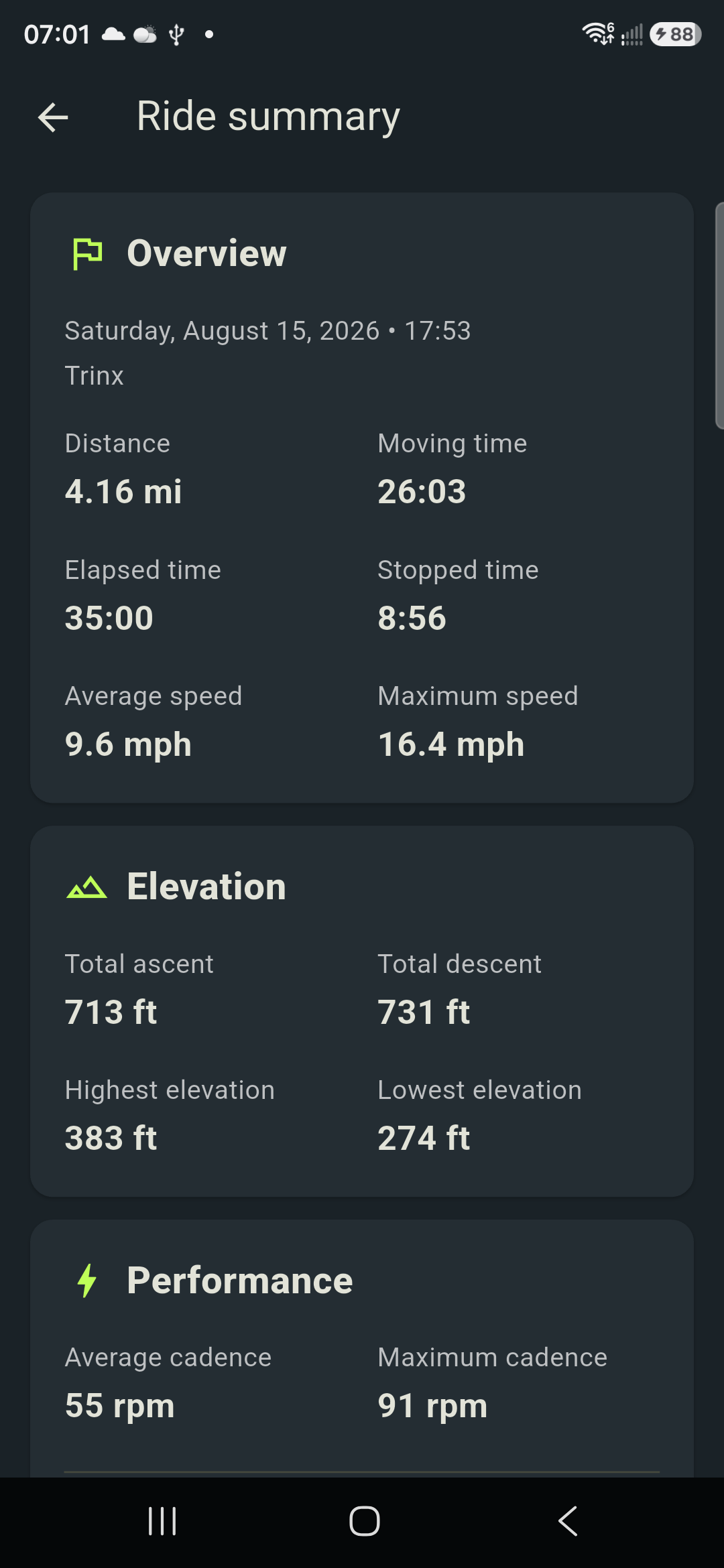
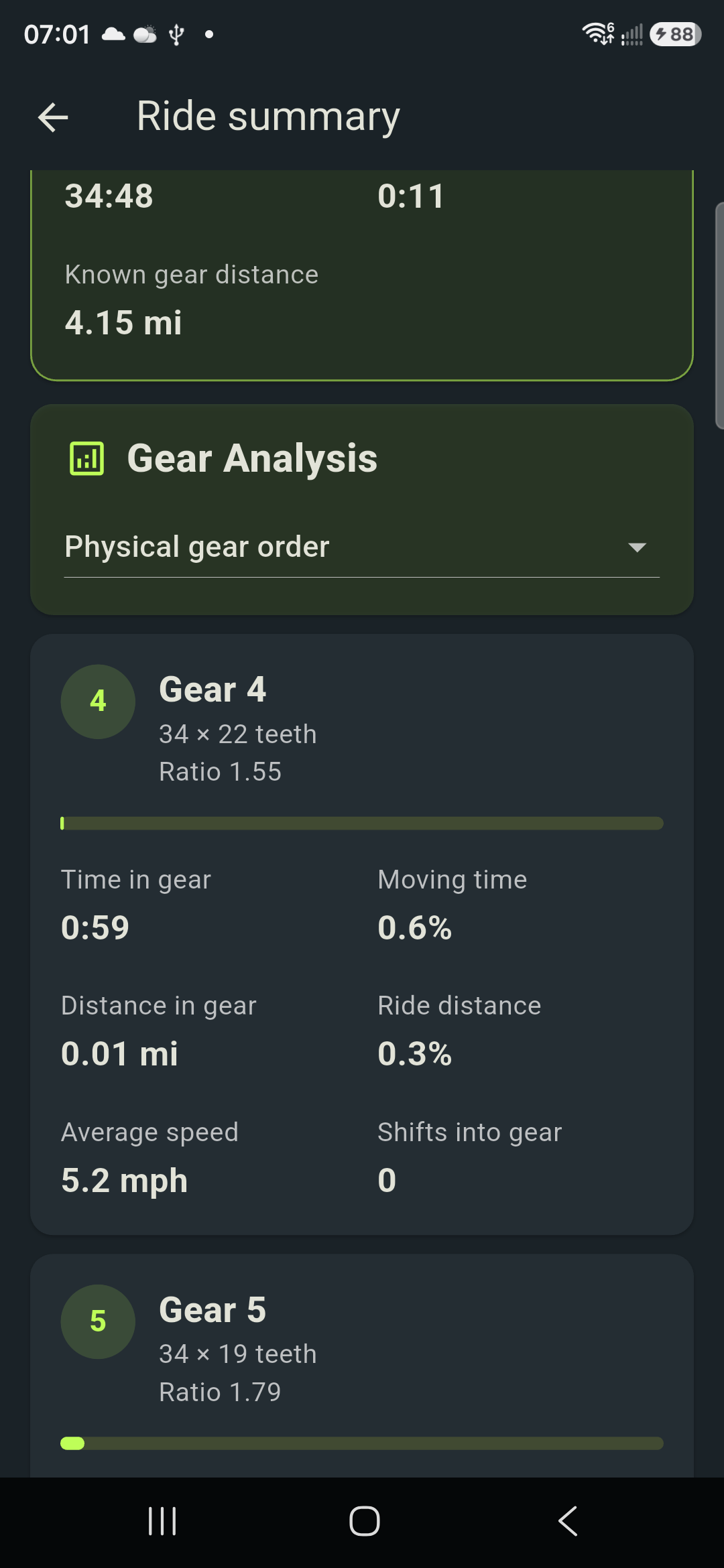
NXS wireless shifting
Keep your compatible cable-actuated 1x derailleur and let NXS pull the cable. The remote handles your shifts, and BikeNet handles setup and adjustments.
See the NXS kitSet the position of each cog and fine-tune any gear that needs it. If cable tension changes, Cable adjust moves all the shift points together.
Choose the startup gear, skip gears you don’t use and adjust how quickly a held button shifts through the cassette. You can also set overshift distance and dwell time.
Assign supported actions to the remote buttons. You can also make small tuning adjustments from the handlebar when it’s safe to do so.
The NXS controller receives data from compatible ANT+ sensors and passes it to BikeNet. It can also connect to supported ANT+ lights.
See battery and connection status, install wireless firmware updates, protect the controller with a PIN and run System Check before a ride.
Check motor faults, obstruction settings, shift loads and voltage traces. These details can help you and our support team work out what’s happening.
Gear analysis depends on the shifting data recorded during a ride. ANT+ sensors and lights need a compatible NXS controller connected to the app.
Using NXS with BikeNet
With NXS, BikeNet records your shifts as well as your ride. See where you changed gear and how long you spent in each one, alongside the speed, cadence and power data you recorded.
BikeNet records rides, gives directions and connects to supported Bluetooth sensors. You can also keep your bike records, review your training and sync your history.
You also get wireless shifting, setup and tuning tools, gear data, shifting analysis and diagnostics. The NXS controller connects compatible ANT+ sensors to BikeNet.
Before you buy
The kit is designed for standard cable-actuated 1x mountain-bike rear derailleurs. You keep your derailleur, cassette, crank and chain. Check that there's room for the actuator and its mount before ordering.
Ask us about your bikeYou get the NXS wireless actuator, handlebar remote, mounting hardware and accessories. You’ll need BikeNet on an iPhone or Android phone for setup.
Read the setup guideNo. You can record rides, navigate, manage your bikes and connect Bluetooth sensors without NXS. You'll need compatible NXS hardware for shifting data, NXS setup and ANT+ connections.
Yes. BikeNet 2.1 is free on iPhone and Android, with no BikeNet subscription. NXS hardware and any extra sensors are bought separately.
The kit is for standard cable-actuated 1x MTB rear derailleurs. You'll need room to mount the actuator. If you're not sure, send us your bike and drivetrain details and we'll help you check.
No. This is a rear-shifting kit: you get the NXS actuator, handlebar remote and mounting accessories. BikeNet has tools for other compatible devices, but those devices aren't included.
Connect your Strava account to load supported cycling routes and upload your rides. Your detailed NXS shifting analysis stays in BikeNet. Which Strava features you can use depends on your Strava account.
The illustrated guide walks you through installation. Then connect NXS in BikeNet and set up your cassette. With the bike securely supported, check every gear before riding. The app also handles firmware updates and diagnostics.
Give BikeNet a try
Download it free for iPhone or Android. You can start recording rides and using the app's bike records without buying NXS.
Help and support